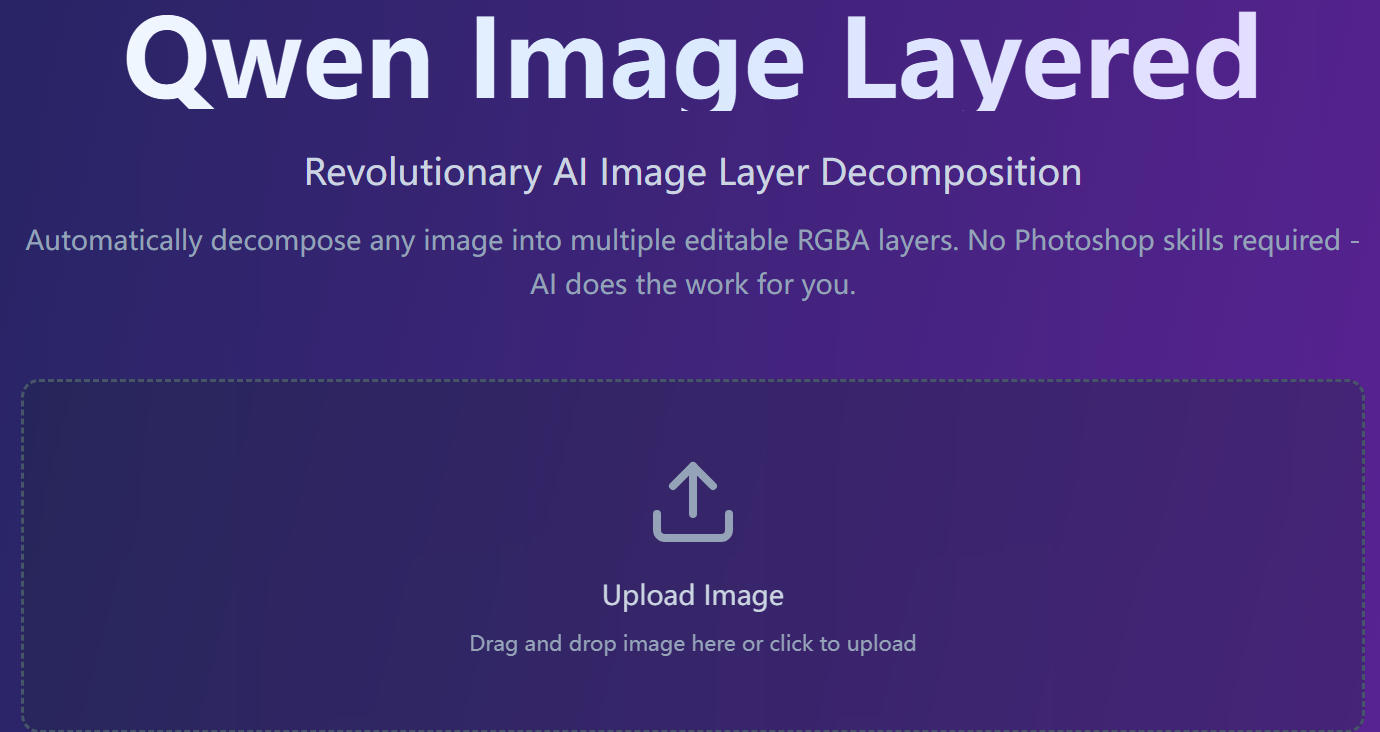
Qwen Image Layered
Qwen Image Layered is a revolutionary AI image layer decomposition tool that automatically transforms any image into editable RGBA layers. This 2025 most revolutionary AI image editing tool makes professional image editing accessible to everyone - no Photoshop skills required, as AI does the work for you.
What is Qwen Image Layered?
Qwen Image Layered is an AI tool that automatically decomposes any image into multiple editable RGBA layers with transparency. Unlike simple background removal tools, it creates complete layer stacks ready for professional editing - similar to Photoshop projects, but generated automatically by AI.
Key Features
Automatic Layer Decomposition - Qwen Image Layered uses AI to automatically separate your image into multiple editable layers with transparency. No manual selection or masking needed.
Smart Background Reconstruction - Qwen Image Layered intelligently fills in hidden areas behind objects, creating complete layers ready for editing. Perfect for object removal and replacement.
Flexible Layer Control - Qwen Image Layered supports 3-8+ layers based on image complexity. Decompose layers recursively for infinite refinement and precision.
Easy Editing Operations - With Qwen Image Layered, you can resize, recolor, move, or replace objects independently without affecting other layers. High-fidelity editing made simple.
How to Get Started
Try Online Demo - Visit the HuggingFace Space to try Qwen Image Layered demo instantly in your browser.
Join Waiting List - Join the waiting list to get early access and updates for Qwen Image Layered.
Start Editing - Upload your image and let Qwen Image Layered AI do the magic - get editable layers in minutes.
Frequently Asked Questions
Can I use this commercially? - Yes! Qwen Image Layered is licensed under Apache 2.0, which permits commercial use without any restrictions. You can use it for your business, products, or services freely.
What image sizes are supported? - Qwen Image Layered supports two resolution options: 640px (recommended for most use cases, faster and stable) and 1024px (for high-resolution needs, slower but higher quality).
Can I control which objects go on which layers? - Currently, layer assignment in Qwen Image Layered is automatic based on AI semantic understanding. You can use recursive decomposition to refine specific layers further into sub-layers for more control.
Will this work with anime/cartoon images? - Yes, Qwen Image Layered handles various art styles including anime, cartoons, and manga. Community members specifically mentioned using it for manga/comic editing and sprite generation for games.
How do I handle images with more than 8 distinct elements? - Use recursive decomposition with Qwen Image Layered: first decompose into 6-8 layers, then select complex layers and decompose them further into sub-layers. You can repeat this process as needed for infinite refinement.
Do I need technical skills to use this? - No technical skills required! You can use Qwen Image Layered online demo on HuggingFace Space directly in your browser. Just upload your image and get editable layers in minutes.
How much does it cost? - Qwen Image Layered is completely free and open source. There are no subscriptions, no usage limits, and no hidden costs.
What’s the Difference from Inpainting Models?
Inpainting models only fill masked regions. Qwen Image Layered:
- Automatically identifies what to separate
- Creates complete layers with transparency
- Inpaints hidden regions behind objects
- Outputs ready-to-edit layer stacks
It’s a complete solution, not just a tool.
User Testimonials
Sarah M., E-commerce Owner: “This saved me thousands on product photography! I can now create 10+ product variations from a single photo. Game changer for my business.”
Mike T., Graphic Designer: “Finally, a free alternative to Photoshop that actually works. The automatic layer separation is incredible - what used to take me an hour now takes 2 minutes.”
Emma L., Content Creator: “Perfect for creating social media content variations. I can swap backgrounds, recolor elements, and create multiple versions for A/B testing in minutes.”
Average Rating: 4.9/5.0
Technical Specifications
Image Quality - Layers maintain original quality with Qwen Image Layered. Since the model uses AI-based generation, there may be slight variations in reconstructed hidden areas, but foreground elements preserve all detail.
Resolution Support - Qwen Image Layered automatically resizes images to fit 640px or 1024px options while maintaining aspect ratio.
Art Style Compatibility - Qwen Image Layered works with various art styles including photographs, anime, cartoons, manga, and digital art.
Getting Started Today
Whether you’re an e-commerce owner, graphic designer, content creator, or anyone who works with images, Qwen Image Layered revolutionizes your workflow by automating the most time-consuming part of image editing - layer separation.
Start using Qwen Image Layered today and experience the future of AI-powered image editing. Upload your image, let AI do the magic, and get professional-quality editable layers in minutes - all completely free and open source.
Qwen Image Layered represents a breakthrough in making professional image editing accessible to everyone, combining the power of AI with the flexibility of traditional layer-based editing workflows.