
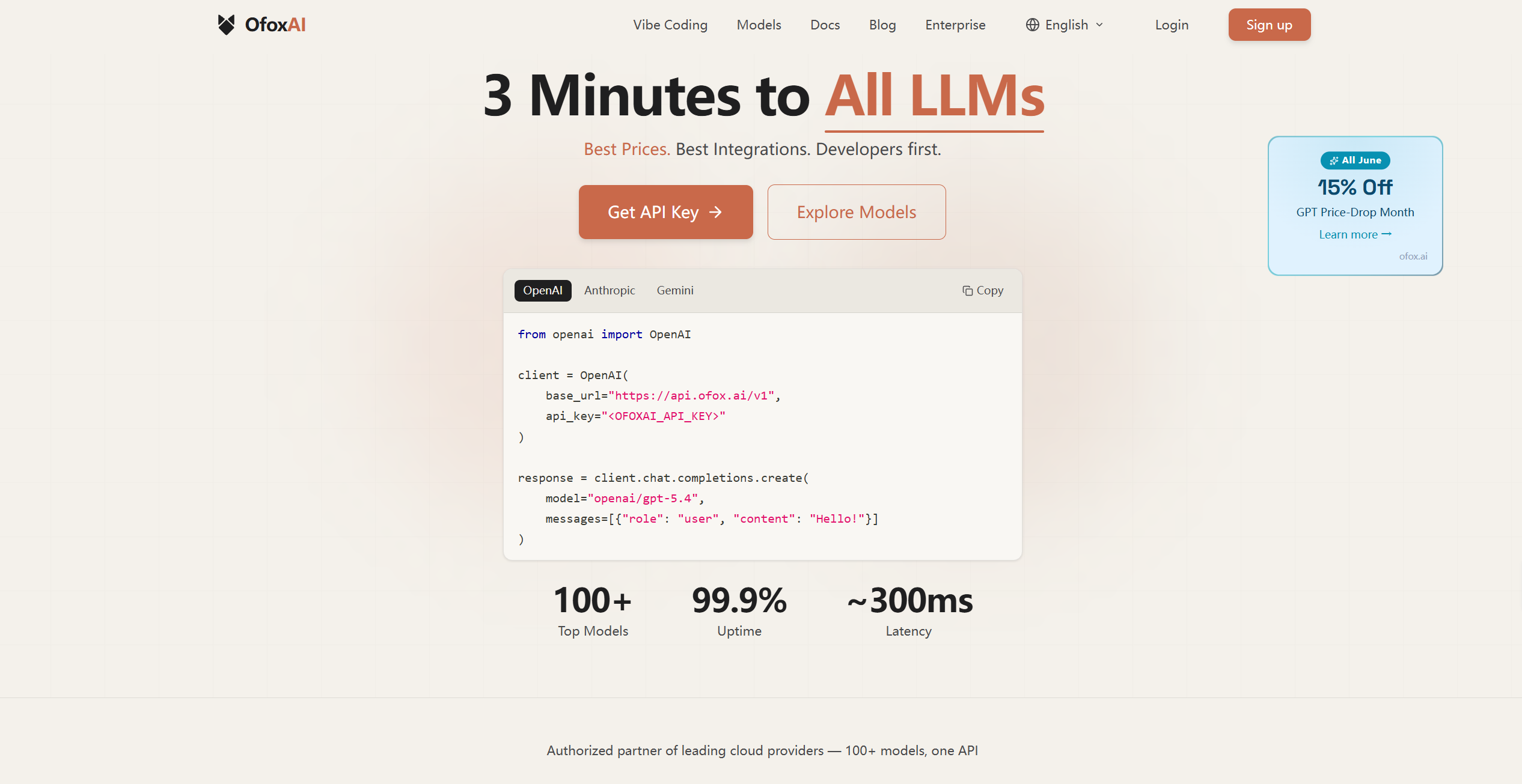
What is Ofox AI?
Ofox AI is an advanced AI-powered visual content platform that specializes in generating, editing, and enhancing images and videos. Its primary purpose is to help users create professional-quality visuals quickly and effortlessly, whether for social media, marketing campaigns, educational content, or personal projects. By leveraging intelligent algorithms, Ofox AI transforms simple inputs into polished, dynamic media, reducing the need for traditional graphic design or video editing skills.
Ofox AI is designed for creators, businesses, educators, and hobbyists who want to produce high-quality visuals with speed and precision. Its AI-driven tools allow for creative experimentation, efficient content production, and professional-grade output without requiring technical expertise.
Ofox AI’s Core Function
- AI Image Generation
- Transform text prompts or simple sketches into fully realized images with customizable styles.
- Photo and Video Enhancement
- Improve clarity, lighting, color balance, and resolution of images and video content.
- Background Removal and Editing
- Isolate subjects, remove backgrounds, and make complex edits effortlessly.
- Animation and Video Creation
- Convert static images into videos or animated sequences with motion effects and transitions.
- Style Transfer and Artistic Filters
- Apply creative filters or artistic styles to images and videos for unique visual appeal.
- Text and Caption Integration
- Overlay text, titles, or captions seamlessly for marketing, storytelling, or presentation purposes.
- Batch Processing
- Edit or generate multiple images and videos simultaneously to streamline workflow.
- AI-Assisted Retouching
- Smooth skin, remove imperfections, or adjust visual elements for polished results.
- Multilingual Support
- Generate or translate text within visuals to create global-ready content.
- Project Organization
- Keep assets, drafts, and final outputs organized for easy access and collaboration.
How to Use Ofox AI
Step 1: Sign Up or Log In
Create an account to access Ofox AI’s full suite of tools and save your projects.
Step 2: Upload or Create Input
Upload images or videos, or enter prompts for AI to generate new content.
Step 3: Choose Editing or Generation Tools
Select the functionality you need, such as image enhancement, video creation, background removal, or style transfer.
Step 4: Apply AI Enhancements
Use automated AI tools to refine visuals, improve resolution, or apply artistic styles.
Step 5: Customize Output
Manually adjust filters, text overlays, motion effects, or transitions to suit your vision.
Step 6: Preview and Refine
Review the AI-generated output, tweak parameters, and ensure the visuals meet your expectations.
Step 7: Batch Processing (Optional)
Process multiple images or videos at once for efficiency in large projects.
Step 8: Export and Share
Download or share finalized content in preferred formats and resolutions for social media, presentations, or professional use.
Step 9: Organize Projects
Save, categorize, and manage your content for future edits or collaborative work.
Ofox AI’s Use Case
Social Media Marketing
Create engaging posts, advertisements, and promotional visuals quickly for online platforms.
Content Creation for Blogs and Websites
Generate high-quality images, videos, and animations to enhance website aesthetics and engagement.
E-Commerce Product Visuals
Enhance product images, remove backgrounds, and create dynamic promotional videos for online stores.
Educational Material
Develop interactive visuals, animated tutorials, and informative video content for classrooms or online courses.
Personal Projects
Transform personal photographs or artwork into polished images or animated videos.
Professional Portfolios
Enhance visual portfolios for photographers, designers, and content creators with professional-grade edits.
Marketing Campaigns
Produce large batches of visually consistent content for campaigns and promotions.
Storytelling and Entertainment
Animate images, add captions, and create narrative-driven videos for storytelling or entertainment purposes.
Event Highlights
Compile images and videos from events into dynamic visual presentations or recap videos.
Multilingual Visual Content
Generate visuals with translated text for global outreach and international campaigns.
The Benefit of Ofox AI
- Rapid Content Creation
- Produce high-quality visuals quickly, reducing hours of manual editing.
- Professional Results Without Expertise
- Achieve polished images and videos without prior design or editing knowledge.
- Creative Flexibility
- Experiment with styles, animations, and effects for unique visual output.
- Time Efficiency
- Automate repetitive tasks and batch process content for faster workflows.
- Engaging Multimedia
- Bring static images to life with animation, motion effects, and video creation.
- Versatile Applications
- Suitable for business, education, personal projects, marketing, and creative endeavors.
- Collaboration Ready
- Share drafts and final outputs with teams, clients, or collaborators seamlessly.
- Multilingual Capabilities
- Easily adapt visuals for international audiences.
- Enhanced Storytelling
- Combine text, motion, and visual effects to create compelling narratives.
- User-Friendly Interface
- Designed for both beginners and professional users for intuitive navigation.
- Consistent Visual Quality
- Maintain uniform style, resolution, and aesthetic across multiple outputs.
- Encourages Experimentation
- Explore new creative directions without risk or complex technical setup.