
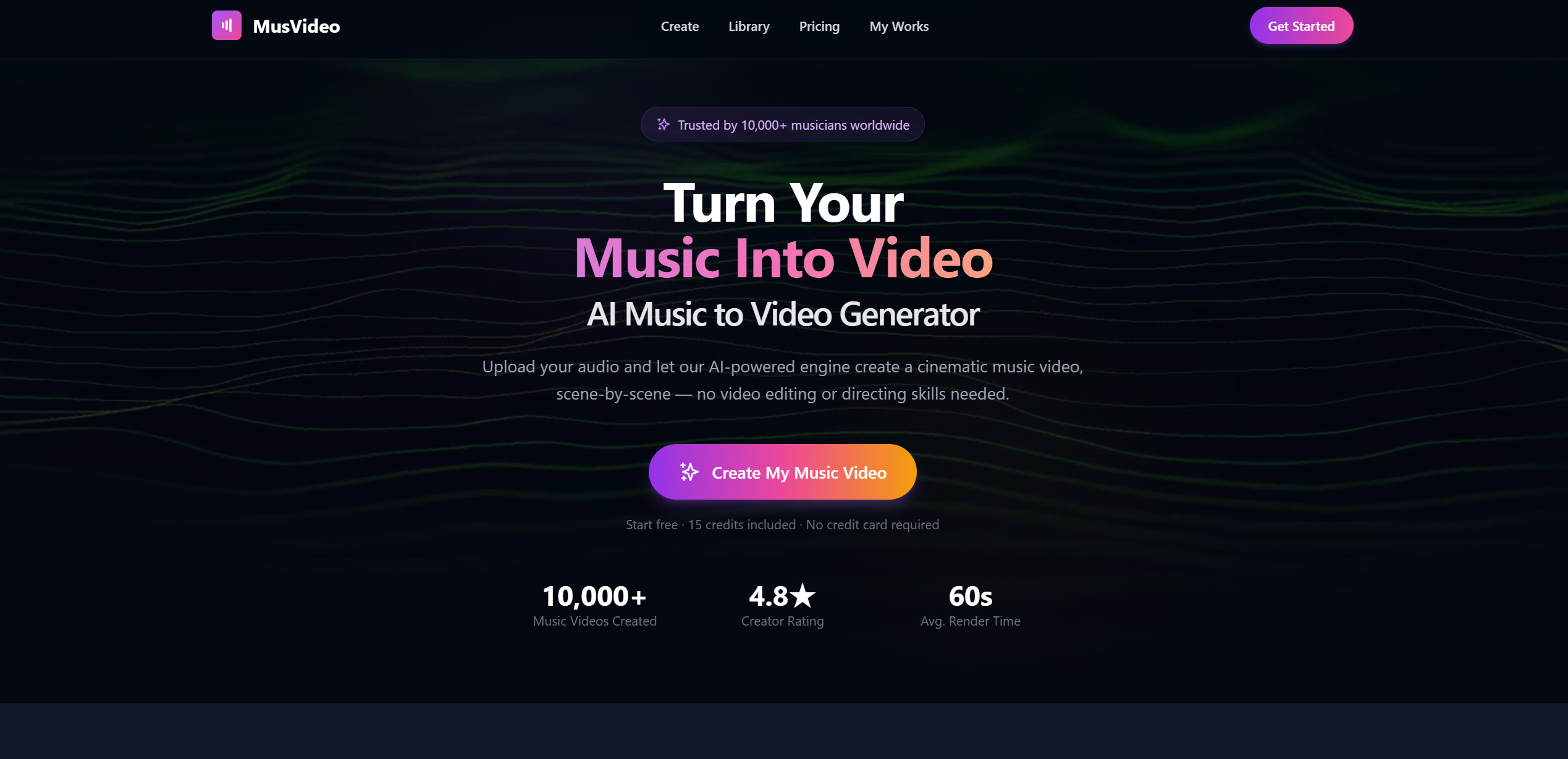
What is MusVideo
MusVideo is an AI-powered platform designed to help users create dynamic, music-driven videos quickly and effortlessly. Its primary purpose is to enable creators, marketers, and hobbyists to produce visually engaging videos synchronized with music without requiring advanced video editing skills. By combining artificial intelligence, automated editing, and customizable templates, MusVideo transforms ideas, audio tracks, and raw footage into professional-looking videos, making video creation accessible, efficient, and fun.
Whether you want to make social media content, music videos, promotional clips, or personal projects, MusVideo focuses on speeding up production while maintaining high-quality results.
MusVideo’s Core Function
- Automatic Music Sync AI aligns video clips, transitions, and effects with the beat of your chosen audio track for professional-level synchronization.
- Template Library A collection of pre-designed video templates for different themes, moods, and occasions, enabling fast video production.
- Clip Editing Tools Trim, crop, and arrange video clips effortlessly to fit the desired style and pace of your project.
- Visual Effects & Filters Apply dynamic transitions, color grading, and effects automatically or manually for a polished look.
- Text & Overlay Integration Add titles, captions, and graphical overlays that synchronize with the rhythm and visuals.
- AI-Powered Scene Suggestions The platform analyzes your content and suggests optimal scene placement and timing for maximum impact.
- Export Options Download videos in multiple formats, resolutions, and aspect ratios suitable for social media, presentations, or personal archiving.
- Music Library Access Users can choose tracks from an integrated music library or upload their own audio files for custom projects.
- Collaboration Features Share projects with team members for feedback or co-editing, streamlining collaborative video production.
- Preview and Adjust Real-time previews allow creators to refine timing, transitions, and effects before final export.
How to Use MusVideo
- Sign Up or Log In Create an account to access templates, music libraries, and advanced AI editing tools.
- Choose a Template or Start From Scratch Select a pre-made template to jumpstart your project, or begin with a blank canvas for full creative freedom.
- Upload Media Files Import video clips, images, and audio files you want to include in your video.
- Select Music Pick a track from the integrated library or upload your own. MusVideo will automatically analyze the rhythm for synchronization.
- AI Editing and Scene Suggestions Let the AI arrange your clips and transitions according to the beat and suggested visual flow.
- Customize Effects and Text Adjust transitions, add text overlays, filters, or visual effects to match your style.
- Preview Your Video Watch a real-time preview to ensure timing, pacing, and aesthetics meet your expectations.
- Export and Share Save your finished video in the desired format and resolution, and share it directly on social media platforms or with collaborators.
MusVideo’s Use Case
- Social Media Content Creation Quickly produce music-driven clips for Instagram, TikTok, YouTube, or other platforms, saving time without sacrificing quality.
- Music Video Production Musicians and independent artists can create professional-looking music videos without hiring a production team.
- Marketing & Promotions Businesses can design promotional videos, advertisements, and product showcases that align perfectly with audio branding.
- Event Recaps Turn event footage into highlight reels automatically synced with music for weddings, parties, or corporate events.
- Educational & Tutorial Videos Teachers and content creators can make engaging video lessons or tutorials enhanced with music and dynamic effects.
- Personal Projects & Hobbies Casual users can produce video montages, travel diaries, or family projects quickly and creatively.
- Collaborative Team Projects Multiple users can work on the same project simultaneously, streamlining group content creation.
- Portfolio Development Videographers and content creators can rapidly build demo reels showcasing their style, skills, and versatility.
The Benefit of MusVideo
- Fast and Efficient Creation AI-driven automation saves hours of manual editing, allowing users to focus on creativity instead of technical details.
- Professional Results Without Expertise Even beginners can produce polished, synchronized videos without prior video editing experience.
- Endless Creative Possibilities Customizable templates, effects, and music choices provide limitless ways to make unique videos.
- Instant Beat Synchronization AI aligns clips to music automatically, creating visually satisfying results effortlessly.
- Collaboration Made Simple Share projects, gather feedback, and co-edit videos easily, ideal for teams or group projects.
- Accessible for All Users From hobbyists to professionals, MusVideo is designed for users of all skill levels.
- Motivating and Rewarding Watching raw media transform into a polished, music-driven video delivers a fun and satisfying creative experience.
- Supports Multiple Formats Export videos optimized for social media, presentations, or personal collections in high-quality resolutions.
- Learning Through Creation Users gradually develop an understanding of video pacing, timing, and visual storytelling while having fun.
- Instant Sharing & Engagement Completed projects can be shared immediately, making it easy to showcase work to audiences or friends.