
What Is MeloChat?
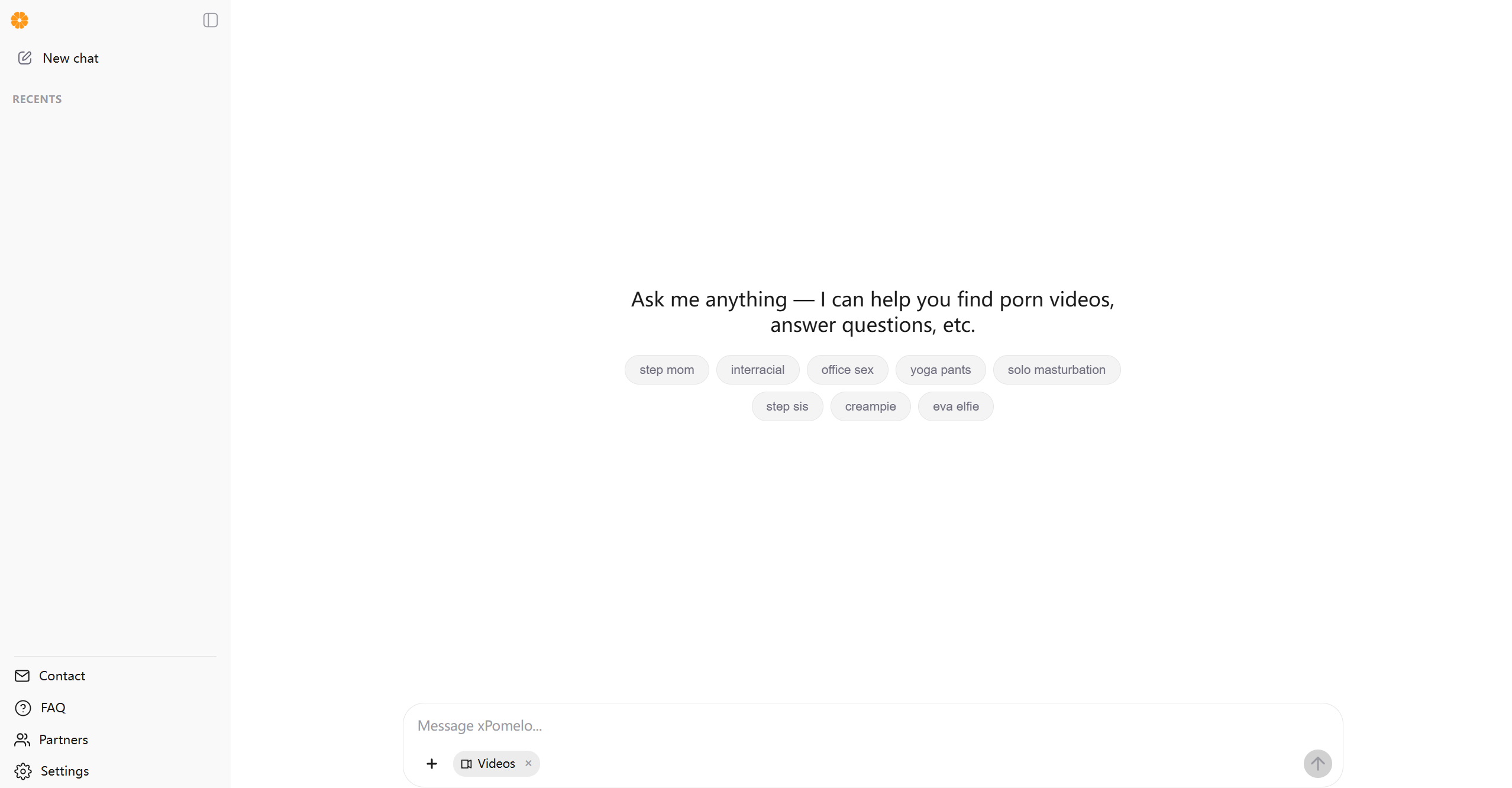
MeloChat is a conversational AI search assistant available on xPomelo. It helps users discover videos by describing what they are looking for in everyday language. Instead of relying only on exact keywords, users can ask a question or give the assistant a few details, then review relevant suggestions. The site also provides a video browsing area, recent conversations, and settings for language, appearance, and chat history.
MeloChat is designed to make content discovery feel more direct and flexible. A user can begin with a broad idea, see what the assistant suggests, and refine the request with additional details. Its purpose is to help users navigate the site’s video collection through a chat-based interface.
MeloChat’s Core Functions
- Conversational video search: Describe a topic, scene, or preference in your own words. MeloChat interprets the request and helps surface related videos.
- Search refinement: Add details or adjust your wording when the first results do not match what you had in mind.
- Video browsing: Review video suggestions in the site’s video area and continue exploring from there.
- General questions: Ask the assistant questions beyond a specific video search.
- Recent conversations: Return to previous chats to revisit an earlier search or continue where you left off.
- Language and appearance settings: Choose available language and light or dark appearance options.
- Chat history controls: Use the available settings to manage how conversations are stored.
How to Use MeloChat
- Open xPomelo: Visit the website and choose the chat area to start a new conversation.
- Describe what you want to find: Enter a short, natural-language request. You can begin with a general topic and add detail later.
- Review the response: Read MeloChat’s suggestions and look through any related video results shown on the page.
- Refine the request: If the results are too broad, add useful details such as a setting, style, or other relevant preference.
- Continue exploring: Ask a follow-up question, try a different description, or browse the video section.
- Adjust your preferences: Use the settings to select a language, change the appearance, or manage chat history.
MeloChat Use Cases
- When you do not know the exact search terms: Explain the idea in plain language and let the assistant help interpret it.
- When you want to narrow a broad search: Add details in a follow-up message to make the request more specific.
- When exploring a topic: Start with a general question and use the responses to guide your next search.
- When returning to a previous search: Open a recent conversation and continue from its existing context.
- When browsing on different devices or in different conditions: Change the language or appearance settings to suit your preference.
The Benefits of MeloChat
- A more natural search process: Describe what you mean instead of trying to guess the exact wording used in a video title.
- Flexible discovery: Refine a search through follow-up messages as your preferences become clearer.
- A chat-based interface: Search, ask questions, and review suggestions in one place.
- Easier exploration: Use broad requests to get started, then narrow the results step by step.
- Personalized controls: Set the available language and appearance options and manage chat history.
- A convenient starting point: MeloChat can help organize an initial search when you are unsure where to begin.
MeloChat combines conversational search with video browsing to make discovery on xPomelo easier to navigate. Start with a simple description, review the suggestions, and add details to guide the next search. The assistant is a discovery tool: results may vary depending on the wording of a request and the content available on the site.