
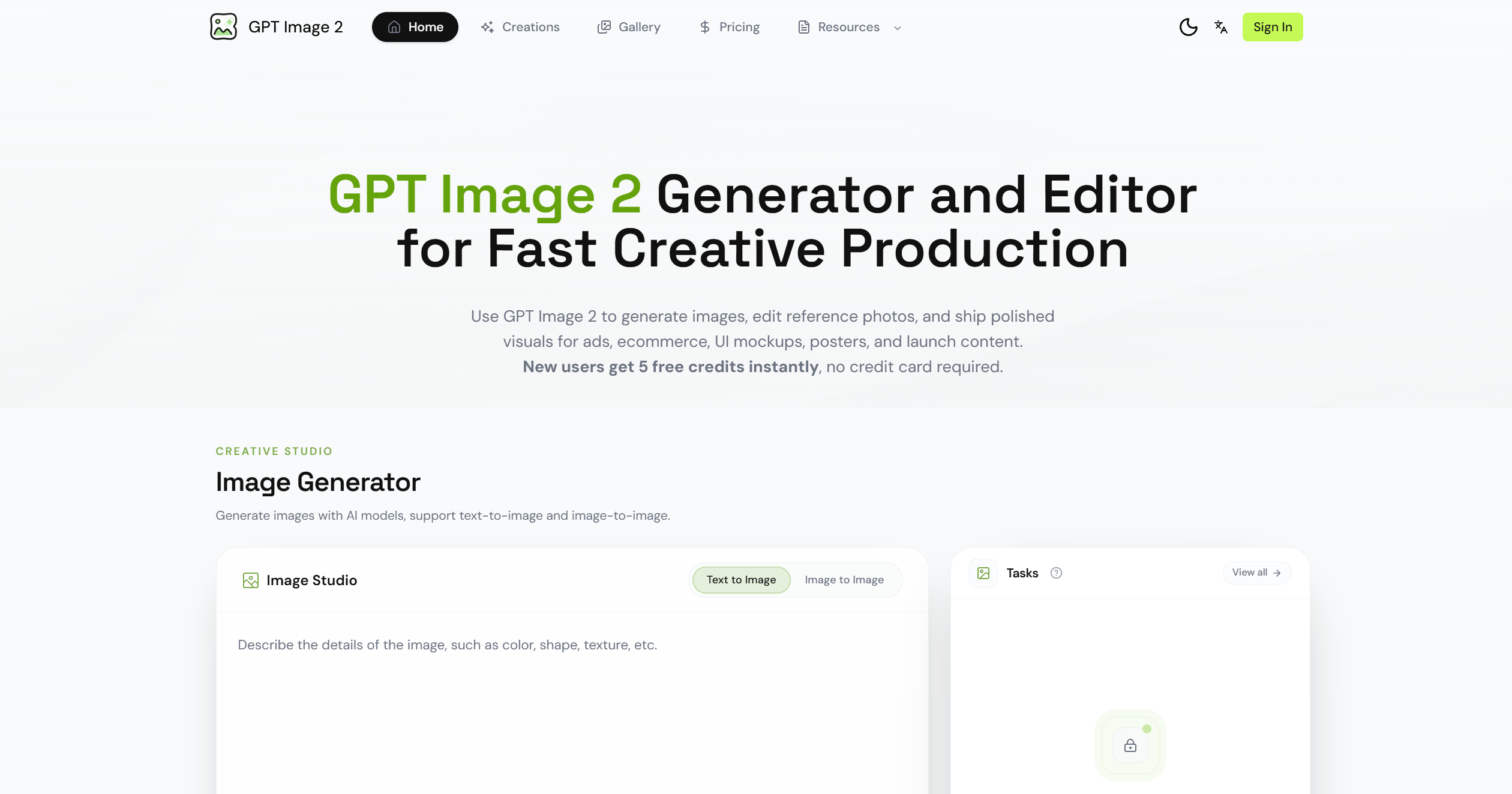
What is Image2 Pro?
Image2 Pro is an advanced AI-driven image editing and enhancement platform designed to help users transform, refine, and generate high-quality visuals with ease. Its primary purpose is to provide professional-grade image editing capabilities to both casual users and creative professionals, enabling them to enhance photographs, generate new visuals, and manipulate images without the need for complex software.
By leveraging artificial intelligence, Image2 Pro simplifies tasks like background removal, color correction, style transfer, and image upscaling. It allows users to focus on creativity while automating tedious editing processes, making professional-quality visual content accessible to everyone. Whether for social media, marketing, art projects, or personal use, Image2 Pro streamlines image editing into an intuitive and efficient workflow.
Image2 Pro’s Core Function
- AI Image Enhancement
- Automatically improves image clarity, sharpness, lighting, and color balance for professional results.
- Background Removal
- Isolate subjects and remove backgrounds with precision for compositing or design purposes.
- Style Transfer and Filters
- Apply artistic styles or predefined filters to images, transforming them into unique visuals.
- Upscaling and Resolution Enhancement
- Increase image resolution without losing quality, ideal for printing or high-definition displays.
- Image Composition Tools
- Combine multiple images or add visual elements seamlessly with AI-assisted alignment.
- Color Correction
- Adjust tones, brightness, contrast, and saturation automatically or manually.
- Object Replacement and Editing
- Modify or replace elements within images while maintaining realism.
- Batch Processing
- Edit multiple images simultaneously, saving time for large projects.
- AI-Assisted Retouching
- Smooth skin, remove blemishes, and enhance portraits effortlessly.
- Creative Generation
- Generate new visuals based on prompts, styles, or reference images.
How to Use Image2 Pro
Step 1: Create an Account
Sign up to access Image2 Pro’s suite of AI editing tools and save your projects.
Step 2: Upload an Image
Select the image you want to edit or enhance from your device or cloud storage.
Step 3: Choose Editing Tools
Decide whether you want to enhance, remove the background, apply filters, upscale, or generate new images.
Step 4: Apply AI Enhancements
Use automated AI tools to refine clarity, lighting, color, and style.
Step 5: Customize Edits
Manually adjust filters, colors, or composition for precise control over your final result.
Step 6: Preview Changes
Review before-and-after comparisons to ensure edits meet your expectations.
Step 7: Batch or Multi-Image Processing
If working on multiple images, apply batch processing for consistent results.
Step 8: Download or Export
Save your edited images in high resolution for social media, print, or professional use.
Step 9: Share and Collaborate
Share projects with clients, collaborators, or team members for feedback or joint editing.
Image2 Pro’s Use Case
Social Media Content Creation
Enhance photos, apply creative filters, and generate attention-grabbing visuals for posts.
Marketing and Advertising
Produce polished visuals for campaigns, advertisements, and product showcases.
Graphic Design Projects
Combine images, adjust composition, and create custom visuals for digital or print media.
Photography Enhancement
Improve clarity, retouch portraits, and enhance landscape or studio photography.
Art and Creative Projects
Transform ordinary images into artistic creations using style transfer and AI effects.
E-Commerce
Generate product images with clean backgrounds, enhanced clarity, and consistent styling.
Website and Blog Content
Create high-quality visuals for blog posts, banners, or site graphics.
Professional Portfolios
Enhance and polish visual portfolios for photographers, designers, and digital artists.
Personal Projects
Edit personal photos, generate creative images, or produce family albums with AI assistance.
Learning and Experimentation
Experiment with AI tools for creative exploration, design learning, or skill development.
The Benefit of Image2 Pro
- Effortless Professional Edits
- Achieve high-quality results without advanced design skills.
- Time-Saving Automation
- Automate repetitive editing tasks and batch process large projects.
- Creative Freedom
- Explore artistic styles, filters, and visual effects with ease.
- High-Resolution Outputs
- Produce images suitable for printing, marketing, and professional presentations.
- Versatile Use Cases
- Ideal for social media, professional photography, e-commerce, and design projects.
- Intuitive Interface
- User-friendly tools that make complex editing simple and approachable.
- AI-Powered Accuracy
- Background removal, object editing, and retouching with precise, realistic results.
- Consistent Quality Across Projects
- Maintain uniform style and enhancement across multiple images.
- Experimentation Without Risk
- Try new styles, filters, and edits safely before finalizing.
- Collaborative Potential
- Share and refine visuals with teams or clients easily.
- Enhanced Creativity
- Unlock new ideas and visual concepts through AI-assisted generation.
- Learning Opportunity
- Gain insights into design principles and creative editing techniques.