
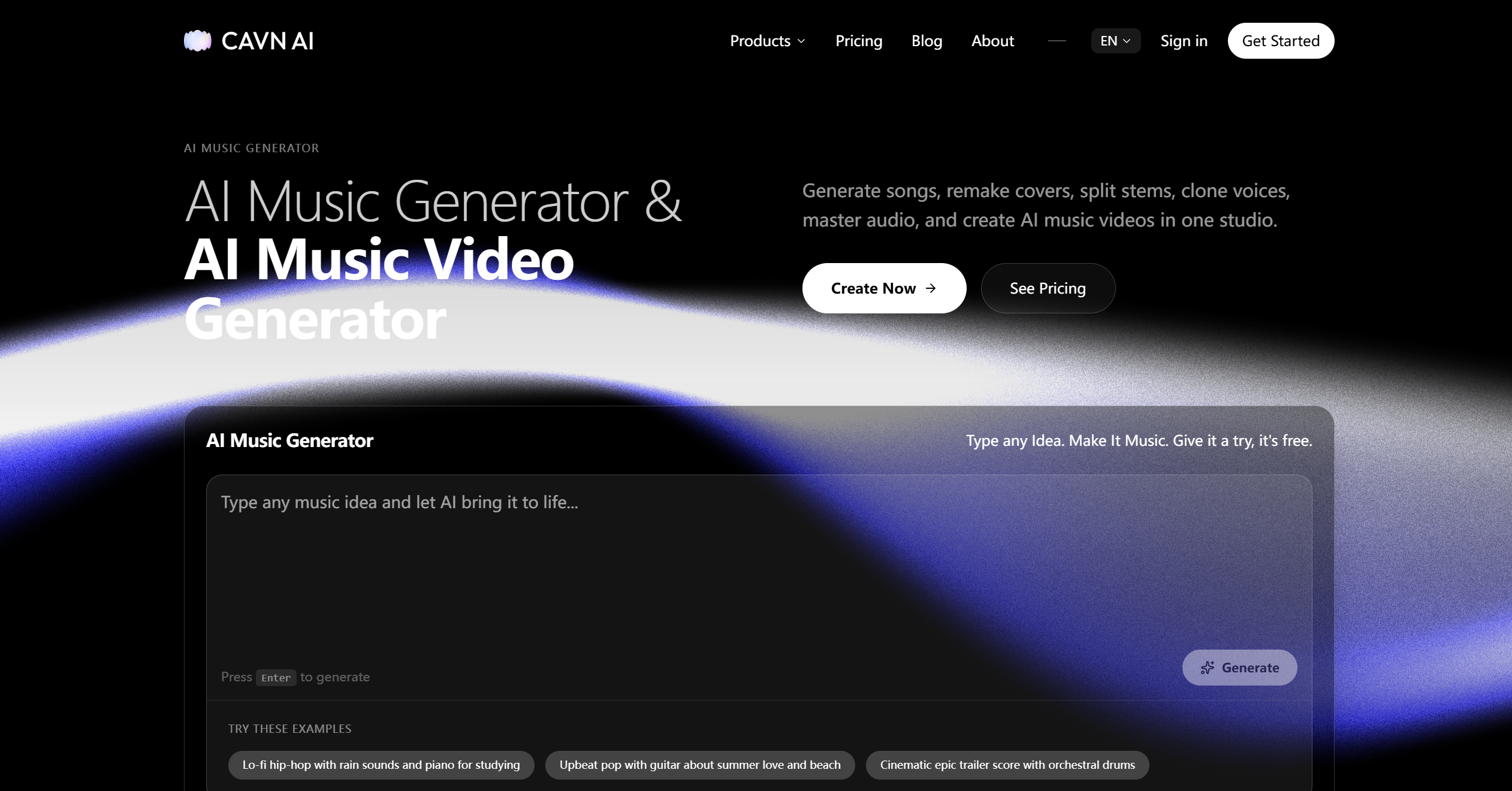
What is CAVN AI?
CAVN AI is an advanced AI-powered video editing and content creation platform designed to simplify the process of producing professional-quality videos. Its primary purpose is to help users—from content creators and marketers to educators and businesses—generate, edit, and enhance video content quickly and efficiently. By combining intelligent automation with creative tools, CAVN AI eliminates the need for complex editing software, allowing anyone to turn ideas into visually compelling videos.
With CAVN AI, users can streamline video workflows, improve quality, add effects, and experiment with creative elements, all within a single intuitive platform. Whether producing short-form social media content, marketing materials, tutorials, or promotional videos, CAVN AI empowers users to create polished visuals without professional expertise.
CAVN AI’s Core Function
- AI Video Generation
- Create videos from text prompts or storyboards using AI-powered automation.
- Scene Editing & Enhancement
- Adjust lighting, color grading, and visual effects automatically to enhance video quality.
- Background Replacement & Effects
- Replace or enhance backgrounds with virtual sets, animated scenes, or custom imagery.
- Automated Subtitles & Captions
- Generate accurate captions automatically to make videos accessible and engaging.
- Audio Synchronization
- Align voiceovers, music, and sound effects with video scenes seamlessly.
- Multi-Scene Storyboarding
- Organize video sequences and transitions efficiently using AI-assisted scene management.
- Video Summarization
- Condense long videos into concise highlights or summaries automatically.
- Template-Based Creation
- Use ready-made templates for social media, marketing campaigns, tutorials, or presentations.
- High-Resolution Export
- Output videos in multiple resolutions and formats optimized for web, social media, or professional use.
- Collaboration Tools
- Share projects, receive feedback, and collaborate with teams directly within the platform.
How to Use CAVN AI
Step 1: Sign Up and Log In
Create an account to access the AI video editing and creation tools.
Step 2: Choose a Project Type
Select whether you want to create a video from scratch, a template, or an existing storyboard.
Step 3: Upload Media or Input Script
Add images, video clips, audio, or text scripts for AI to process into a video sequence.
Step 4: Customize Scenes
Use AI-powered tools to adjust scene composition, transitions, colors, effects, and backgrounds.
Step 5: Add Audio
Include music, voiceovers, or sound effects and synchronize them automatically with the visuals.
Step 6: Generate Subtitles
Enable automatic captioning to make your video accessible and easier to follow.
Step 7: Preview the Video
Watch the AI-generated draft and review each scene for timing, flow, and visual impact.
Step 8: Refine and Edit
Make adjustments to enhance quality, fine-tune effects, or replace elements as needed.
Step 9: Export and Share
Download the final video in your preferred resolution and format, ready for social media, presentations, or campaigns.
CAVN AI’s Use Case
Social Media Content Creation
Creators can produce engaging videos for Instagram, TikTok, YouTube, and other platforms with minimal effort.
Marketing and Advertising
Businesses can generate promotional videos, product demos, ads, and campaign materials quickly.
Educational Tutorials
Educators and trainers can create instructional videos, explainer content, and course materials efficiently.
E-commerce Product Videos
Sellers can produce polished product showcases, unboxing videos, or instructional clips.
Corporate Presentations
Companies can craft professional presentations with animated graphics, voiceovers, and synchronized music.
Event Highlights
Automatically summarize events, webinars, or live streams into short, shareable highlight reels.
Content Repurposing
Transform blog posts, articles, or scripts into dynamic video content for broader reach.
Entertainment and Storytelling
Independent creators can turn stories, scripts, or ideas into visually rich narratives.
Team Collaboration
Creative teams can work together on video projects, share drafts, and receive real-time feedback.
Global Communication
Translate videos, add captions, and localize content for multilingual audiences.
The Benefit of CAVN AI
- Fast Video Production
- Generate professional-quality videos in minutes instead of hours or days.
- User-Friendly Interface
- No technical expertise required; intuitive tools simplify complex editing tasks.
- Creative Freedom
- Experiment with effects, styles, and storyboards effortlessly.
- Automated Workflow
- AI handles editing, scene transitions, audio synchronization, and subtitles automatically.
- High-Quality Output
- Produce videos in HD, 4K, or custom resolutions for professional use.
- Time-Saving Templates
- Ready-to-use templates accelerate content creation for social media or marketing.
- Improved Accessibility
- Automatic captions and subtitles make content accessible to wider audiences.
- Enhanced Collaboration
- Teams can share, review, and edit projects seamlessly within the platform.
- Supports Multi-Purpose Projects
- Suitable for marketing, education, entertainment, e-commerce, and corporate communications.
- Boosts Creativity
- Encourages experimentation and rapid iteration for better storytelling.
- Effortless Content Localization
- Translate and adapt videos for international markets quickly.
- Engaging Visuals
- Add cinematic effects, background enhancements, and smooth transitions without complex software.